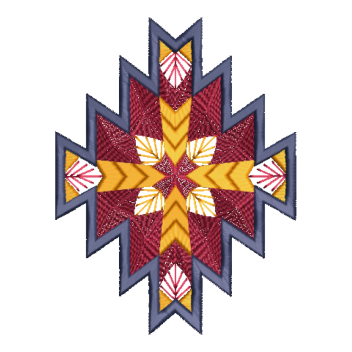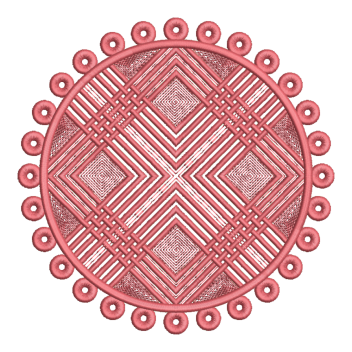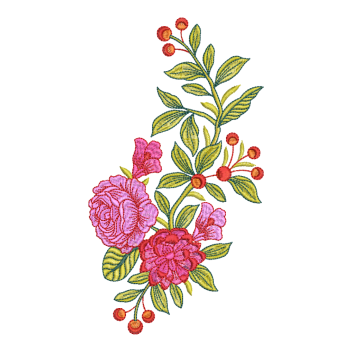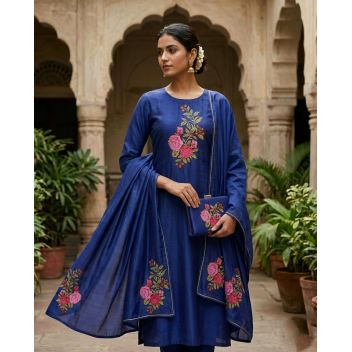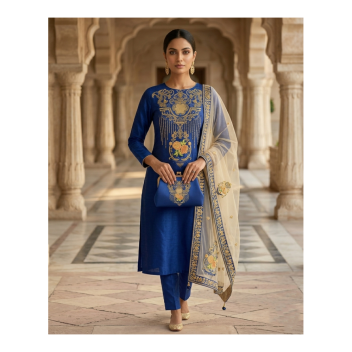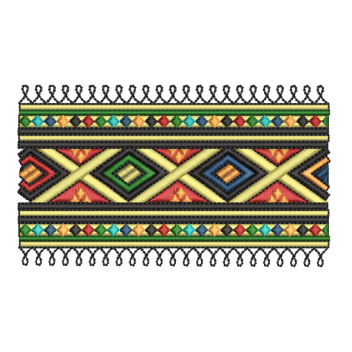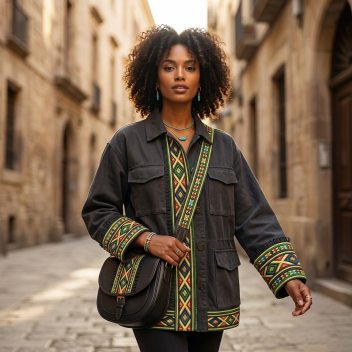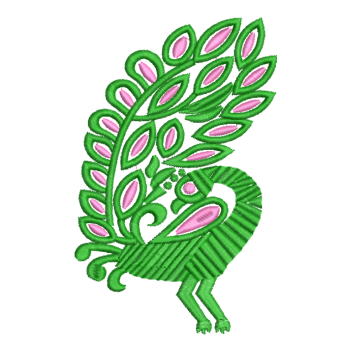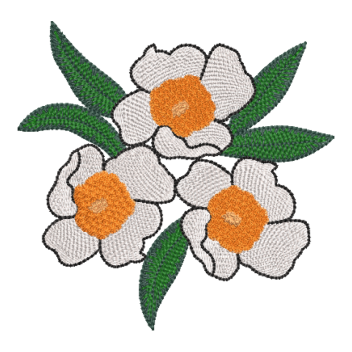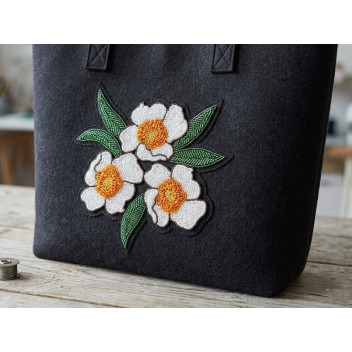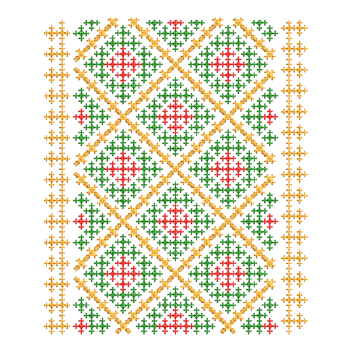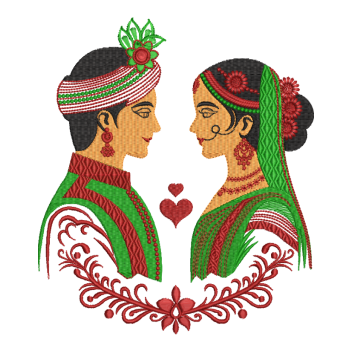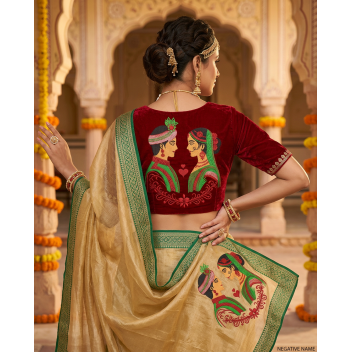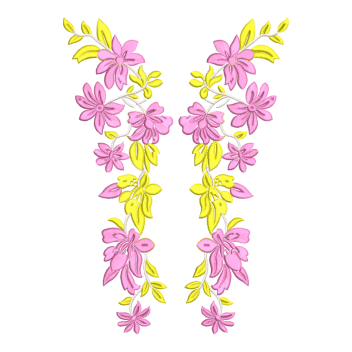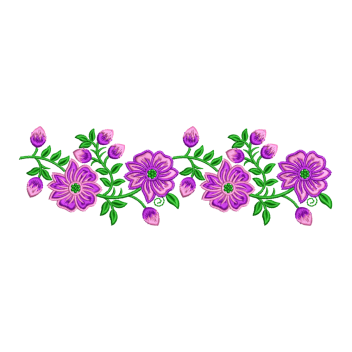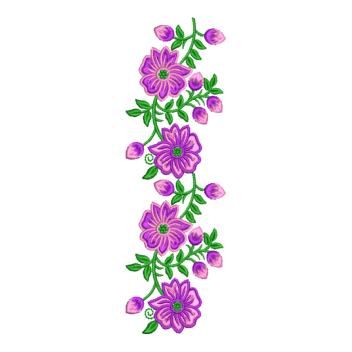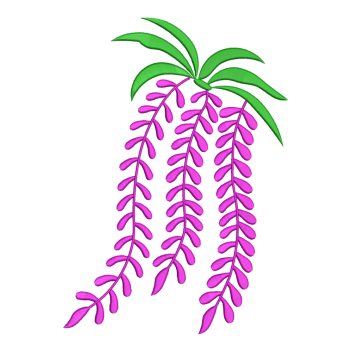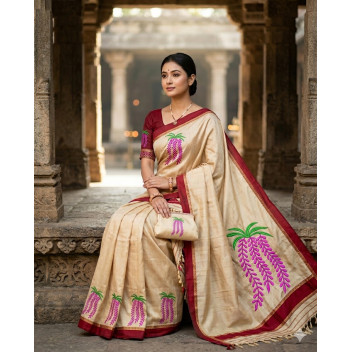
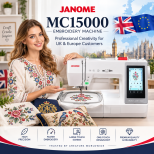
Janome MC15000 embroidery designs in JEF format, ready for instant download. This category is for owners of the Janome Horizon Memory Craft 15000 (MC15000, V2, V3 and Quilt Maker). Designs are made for its largest 230 x 300 mm (9.1 x 11.8 in) GR hoop, with smaller sizes available for the SQ23, SQ14 and FA10 hoops.
Janome MC15000 Compatibility at a Glance
| Machine | Janome Horizon Memory Craft 15000 (MC15000, V2, V3, Quilt Maker) |
|---|---|
| File format | JEF (native Janome format) |
| Machine reads | JEF, JEF+ and JPX |
| Maximum embroidery area | 230 x 300 mm (9.1 x 11.8 in) with the GR hoop |
| Other hoops | SQ23 (230 x 230 mm), SQ14 (140 x 140 mm), FA10 free-arm hoop |
| Delivery | Instant download after payment, worldwide |
| Transfer to machine | USB stick or Horizon Link Suite |
What You Will Find in This Category
- In-the-hoop (ITH) quilt blocks and quilting designs
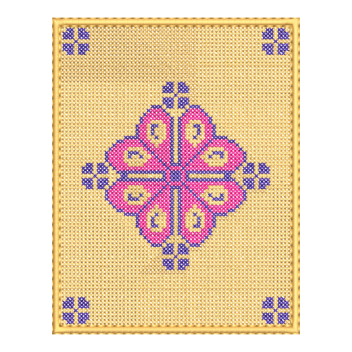
- Large florals, appliqué, redwork and mandalas that use the 9x12 hoop
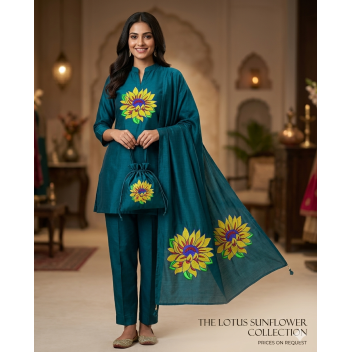
- Jacket back, towel, blanket and cushion designs
- ITH projects such as pouches, bags, mug rugs and lace
- Monogram and alphabet fonts in JEF
- Seasonal and holiday sets
How to Use Designs on Your Janome MC15000
- Download and unzip your order from your account page.
- Copy the .jef file to a USB stick. The MC15000 can read files from the root of the stick, so an EMB folder is optional.
- Insert the USB stick into the machine and select the design on the touchscreen.
- Check the design size against your hoop, then hoop your fabric and stitch.
You can also send designs from your PC with Horizon Link Suite, or edit and position them with the Janome iPad apps.
Choosing the Right Design Size
Match the design size shown on each product page to your hoop. A design for the GR hoop uses up to 230 x 300 mm. Designs for the SQ23 hoop fit within 230 x 230 mm, and designs for the SQ14 hoop fit within 140 x 140 mm.
Janome MC15000 Embroidery Designs: FAQ
What file format does the Janome MC15000 use?
The Janome MC15000 uses JEF as its native format. It also reads JEF+ and JPX files. Use JEF files for the most reliable results.
What is the largest embroidery size on the Janome MC15000?
The largest embroidery area is 230 x 300 mm (9.1 x 11.8 in), using the GR hoop.
Can the Janome MC15000 read PES or DST files?
Non-Janome formats such as PES usually need to be converted to JEF with embroidery software first. Conversion can affect stitch quality, so we recommend buying designs that are already in JEF.
Will these designs work on other Janome machines?
JEF is used by modern Janome machines such as the MC12000, MC550E and Skyline S9. Check the design size against your machine's hoop before you buy.
How do I get my designs after buying?
You get an instant download link after payment. You can also download your files again from your account.
Janome and Memory Craft are trademarks of Janome Corporation. EmbDesignTube is not affiliated with Janome. Compatibility information is provided to help you choose the right files. Last updated: October 2026.